

Aeropostale’s return process is handled through their online returns portal for orders placed on aeropostale.com. The steps are straightforward, but there are several exceptions — final sale items, orders placed through third-party sites, and in-store purchase returns — where the standard process does not apply. This guide covers both the standard flow and the edge cases that cause most support calls.
Aeropostale return policy: the key rules before you start
Before initiating a return, confirm your order qualifies:
- Return window: 60 days from the purchase date for most items
- Item condition: Items must be unworn, unwashed, and have original tags attached
- Final sale items: Items marked “Final Sale” at the time of purchase are not eligible for return or exchange
- Swimwear and underwear: Not returnable for hygiene reasons, regardless of condition
- Items with promo discounts: Returnable, but the refund reflects the amount paid, not the original price
If your order falls outside the 60-day window, Aeropostale does not typically extend the return period. Contact their support team at 1-877-289-2376 if there are extenuating circumstances — this is evaluated case by case.
Step-by-step: how to initiate an online return on aeropostale.com
Step 1 — Go to the returns portal
Navigate to aeropostale.com and log in to your account. Go to My Orders and select the order containing the item you want to return.
If you checked out as a guest, use the order number and the email address used at checkout on the order lookup page to access your order.
Step 2 — Select the items to return
Click Return Items on the order page. Select each item you are returning and choose a reason from the dropdown (size, changed mind, defective, etc.). The reason affects whether you are offered an exchange or refund option.
Step 3 — Choose your refund method
Aeropostale typically offers:
- Refund to original payment method
- Exchange for a different size or colour (subject to availability)
Select your preference and confirm.
Step 4 — Generate and print the return label
After confirming, Aeropostale generates a prepaid return shipping label. Print it and attach it to the outside of your return package. The label will be either FedEx or USPS — note which one, as you need to drop it at the correct carrier location.
Step 5 — Pack and drop off
Pack the items securely. Remove or cover any original shipping labels on the box. Drop off at any FedEx location (for FedEx labels) or USPS post office (for USPS labels). If dropping off isn’t convenient, you can schedule a FedEx home pickup instead. Keep your drop-off or pickup receipt — it contains a tracking number you can use to monitor the return.
Aeropostale return shipping: who pays and how to get the label
Aeropostale provides a prepaid return label for standard returns on eligible orders. The cost of return shipping is typically deducted from your refund — it is not charged upfront.
The return shipping deduction is usually a flat fee (historically around $5–$7). Check the returns portal at the label generation step — the exact deduction amount is shown before you confirm.
Free return exceptions:
- Defective or incorrect items: Aeropostale covers the full return shipping cost with no deduction
- Some promotional offers include free returns — check the original order confirmation email for any free-return terms
If the returns portal does not generate a label (this can happen for certain order types or addresses), contact Aeropostale at 1-877-289-2376 to request a label by email. You can also access the Aeropostale returns portal directly from the customer service page.
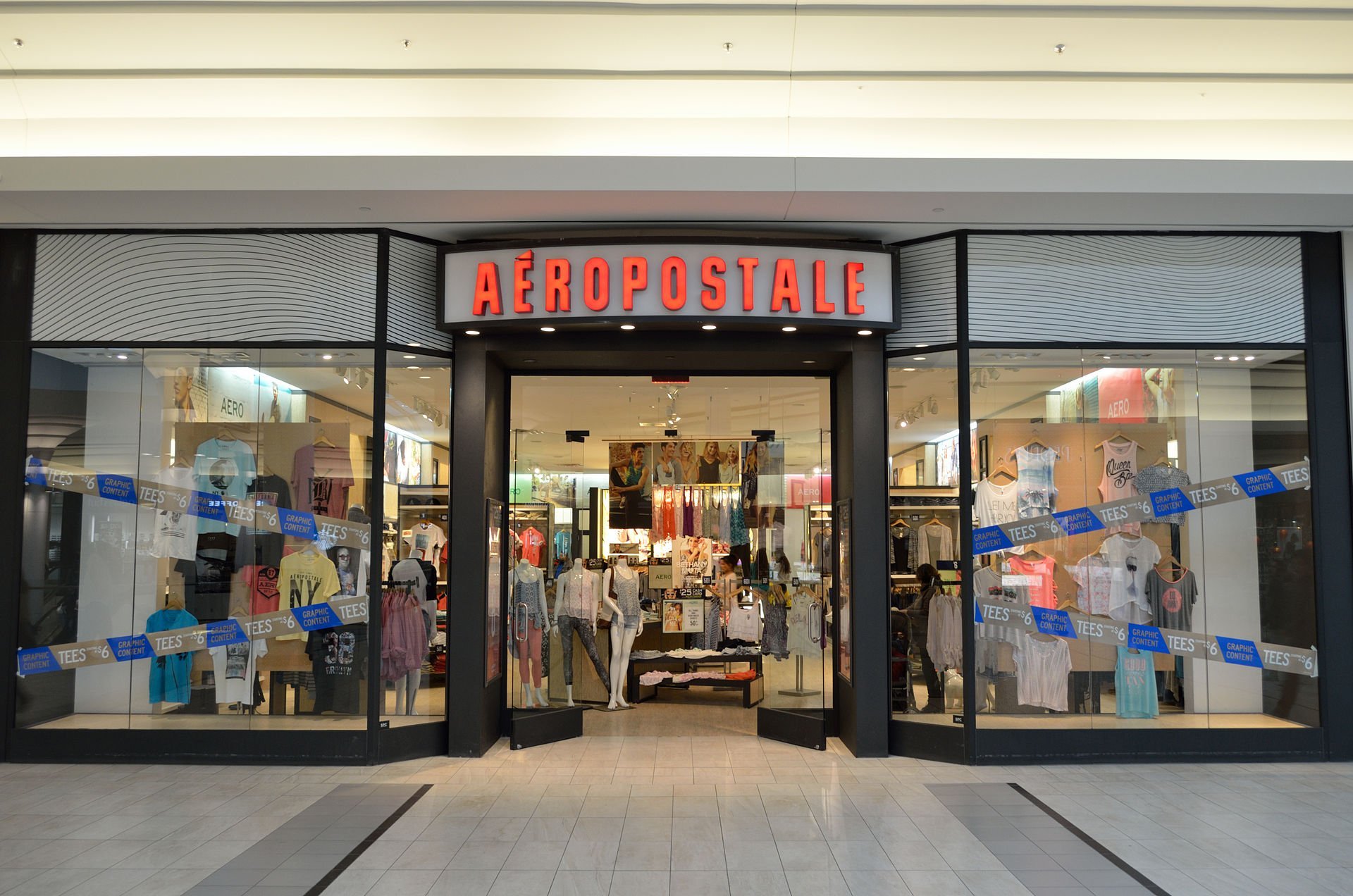
Returning Aeropostale items bought in-store vs online
Aeropostale online orders can generally be returned to a physical Aeropostale store location in addition to the mail return option. In-store returns are processed immediately — you do not need to wait for a warehouse to receive and inspect the item.
In-store return: Bring the item, original packaging if available, and your order confirmation email or packing slip to any Aeropostale store. Refunds for in-store returns of online orders are typically processed to your original payment method on the spot.
Returning in-store purchases by mail: Items purchased in a physical store cannot be returned through the online returns portal. They must be returned to a store location in person. Check store.aeropostale.com to find your nearest open location.
Third-party purchases: If you bought from a third-party marketplace (Amazon, eBay resellers), Aeropostale’s return policy does not apply. Follow the platform’s own return process.
How to track your Aeropostale return shipment after drop-off
Once you drop off your return at FedEx or USPS, you have a tracking number on the drop-off receipt. Use that to monitor the return parcel on its way back to Aeropostale’s warehouse.
Track your Aeropostale return shipment — enter the FedEx or USPS number from your drop-off receipt to see the full scan history and confirm when the warehouse receives it.
Return parcels typically take 5–10 business days to reach the Aeropostale warehouse, depending on your location and the carrier. Once received, Aeropostale inspects the items and processes the refund within 3–5 business days. Total time from drop-off to refund appearing on your statement: 8–15 business days in most cases.
Refund timeline after Aeropostale receives your return
| Stage | Typical timeframe |
|---|---|
| Return parcel in transit to warehouse | 5–10 business days from drop-off |
| Warehouse inspection and processing | 3–5 business days after receipt |
| Refund issued by Aeropostale | Immediate after processing |
| Refund appears on card statement | 5–10 additional business days (bank processing) |
| Refund to PayPal / digital wallet | 3–5 business days after Aeropostale issues it |
If your return tracking shows the warehouse received your parcel more than 7 business days ago and you have not received a refund notification, contact Aeropostale at 1-877-289-2376 with your return tracking number and original order number.
Frequently asked questions
How long do I have to return an Aeropostale order?
60 days from the purchase date for most items. Items must be unworn, unwashed, and have original tags. Final sale items, swimwear, and underwear are excluded from returns regardless of condition.
How do I get an Aeropostale return label?
Log in to aeropostale.com, go to My Orders, select the order, and click Return Items. After selecting the items and choosing a refund method, the portal generates a prepaid return label to print. If the portal does not generate a label, contact Aeropostale at 1-877-289-2376.
Can I return an Aeropostale online order to a store?
Yes. Most Aeropostale online orders can be returned to any Aeropostale physical store with your order confirmation. In-store returns are processed immediately and avoid the 8–15 day wait for a mail return refund.
How long does an Aeropostale refund take?
After Aeropostale receives your return, inspection and processing takes 3–5 business days. The refund then takes 5–10 business days to appear on a card statement, or 3–5 business days for PayPal and digital wallets. Total from drop-off to refund: 8–15 business days.
What if my Aeropostale return tracking stops updating?
USPS and FedEx return parcels sometimes go 48–72 hours without a scan update — this is normal. As long as you have a drop-off confirmation and the tracking number from your receipt, the return is in the system. For a full breakdown of what each status means and the exact wait thresholds before escalating, see the Aeropostale tracking not updating guide. If tracking has not moved for more than 5 business days after drop-off, contact the carrier (FedEx: 1-800-463-3339 / USPS: 1-800-275-8777) to confirm receipt.