
Canada Post tracking stops working for a handful of specific, diagnosable reasons — and most of them fix themselves within 24–48 hours. The key is knowing which situation you’re actually in before doing anything else.
Three distinct problems get grouped under “tracker not working”:
- Tracking number returns no results at all — label was generated but the package hasn’t been scanned yet
- Tracking stopped updating mid-route — the last scan was days ago and nothing new has appeared
- The tracking website or app won’t load — a technical issue on Canada Post’s end
Each has a different explanation and a different fix.
Problem 1: Tracking Number Returns No Results
Canada Post Tracking Service
If you enter your number at Canada Post tracking and get “No results found,” the most likely cause is timing, not error.
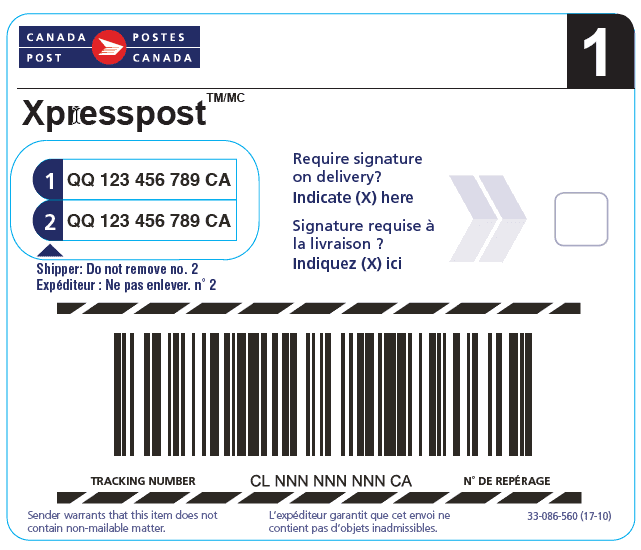
Label generated but package not yet scanned. When a sender creates a shipping label online, Canada Post assigns a tracking number immediately — but that number doesn’t activate in the tracking system until the package is physically scanned at a post office or pickup point. This gap can be up to 24 hours after the label is created. If the sender told you the package was shipped “today,” check back the following day before assuming anything is wrong.
Wrong tracking number format. Canada Post uses two formats:
- Domestic: 16 alphanumeric characters (e.g.
JX123456789CA123) - International: 13 characters, usually in the format
XX000000000CA
If your number is shorter, longer, or in a different pattern, double-check the shipping confirmation email — the tracking number is sometimes buried or presented differently by the retailer.
Shipped with a non-trackable service. Small Packet, Light Packet, and Letter Post have no tracking capability. If the sender used one of these services, a tracking number either wasn’t generated or it’s a reference number that Canada Post’s public tracker doesn’t recognise. There’s no fix for this — the service simply doesn’t include tracking.
Problem 2: Tracking Stopped Updating Mid-Route
Canada Post Tracker Not Working
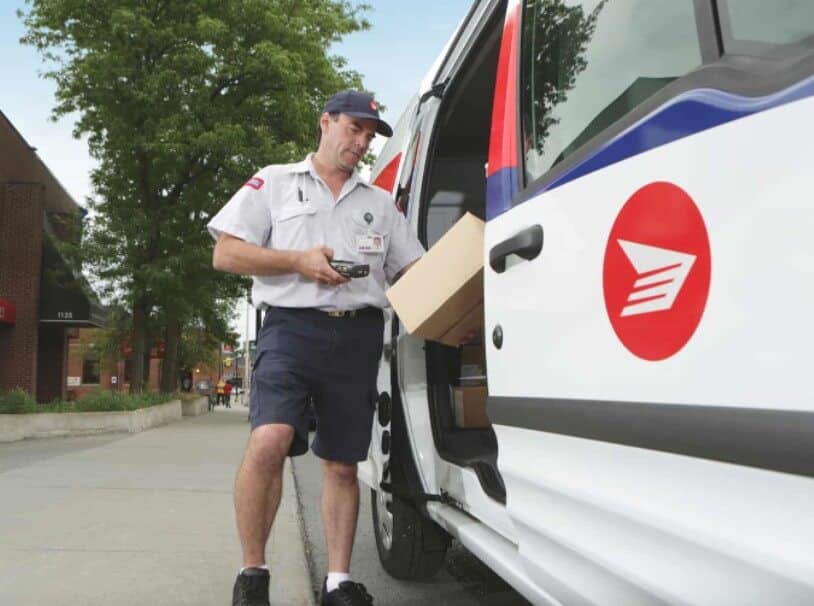
This is the most common complaint. The last scan showed your package somewhere in transit — and nothing has changed since.
For domestic shipments: 24–48 hours without an update is normal. Canada Post moves long-distance shipments by truck. A package travelling from BC to Ontario doesn’t get scanned at every stop along the route — it gets scanned at major sorting facilities, which may be a day apart. If your last scan was at a sorting centre in one province and your destination is in another, expect silence for 24–48 hours before the next scan appears. (The same scan-gap logic applies on every network — why a package stops moving covers the normal quiet windows for the US carriers too.)
For international shipments: gaps can be even longer. Once Canada Post hands a package off at the border, tracking events are generated by the destination country’s postal operator — not by Canada Post. You may see a “Departed Canada” scan and then nothing until the package reaches its destination country’s network. For shipments going to countries with less frequent scanning, this gap can be a week or more. If an international shipment has gone quiet for more than 2 weeks, treat it as a possible lost-package case and open an investigation.
When to be concerned:
- Domestic: no new scans after 5+ business days from the last update
- International Air: no update after 10+ business days
- International Surface: no update after 30+ business days
At those thresholds, the situation shifts from “normal transit gap” to Canada Post item delayed territory, and you should contact Canada Post to open a trace request.
Problem 3: Canada Post Tracking Website or App Not Loading
Canada Post Tracker Not Working?
If the tracking page itself is throwing errors or not loading, this is a system issue — not a problem with your specific package.
Check the Canada Post System Status Dashboard first. Canada Post maintains a live status page at status.canadapost.ca that shows real-time outages across their tracking, shipping, and customer service systems. If there’s a known outage, it will show here. This is the fastest way to confirm whether you’re dealing with a site-wide problem rather than something specific to your shipment.
If the status dashboard shows everything operational but the tracking page still isn’t working for you:
- Try opening the tracking page in an incognito or private browser window — cached data can cause display errors
- Try a different browser or device
- Wait 30–60 minutes and try again — short-duration issues resolve quickly
How to Get Tracking Updates Without Checking Manually
Set up delivery notifications so you don’t have to keep checking
Instead of returning to the tracking page repeatedly, set up automatic notifications:
Email notifications:
- Go to canadapost-postescanada.ca and enter your tracking number
- Select “Email Notifications” above the delivery status
- Choose which updates you want: shipping confirmation, exceptions, or delivery milestones
- Submit — you’ll receive an email each time the status changes
Mobile push notifications:
- Download the Canada Post app (iOS or Android)
- Add your tracking number
- Enable notifications when prompted, or turn them on via the bell icon in the app
This is especially useful during the 24–48 hour cross-country transit gaps — instead of checking and finding nothing, you’ll get a notification the moment a new scan fires.
When to Contact Canada Post
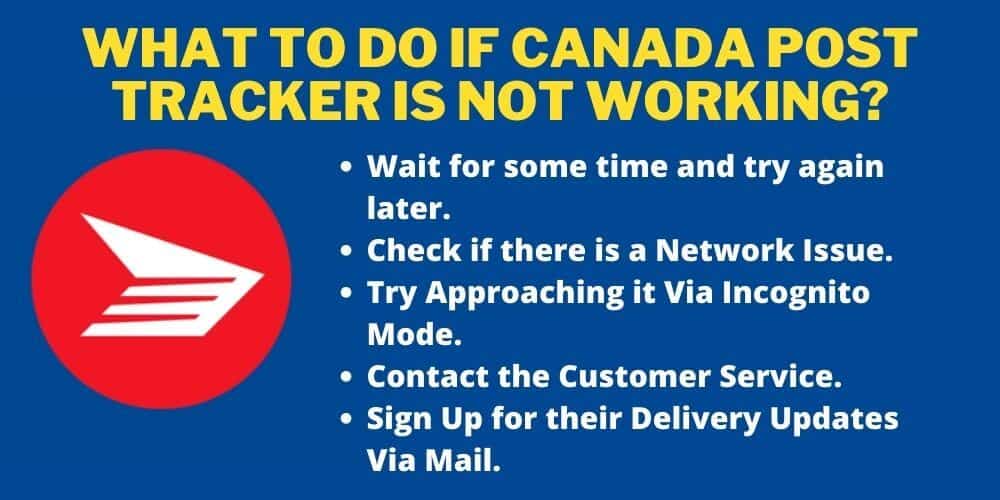
What to do if Canada Post Tracker is Not Working?
Most tracking issues are self-resolving. Contact Canada Post customer service when:
- Your tracking number still shows no results more than 48 hours after the sender confirmed the package was dropped off
- A domestic shipment has had no new scan for 5+ business days
- The status shows “Item Delayed” and has been stuck there for more than a week
- You suspect the package may be lost rather than delayed — see Canada Post package not delivered for how to open a formal investigation
Call 1-866-607-6301 or use the online ticket system at canadapost-postescanada.ca. Have your tracking number and the sender’s confirmation of shipment date ready before you call — it speeds up the trace request significantly.
FAQ
Why does my Canada Post tracking number say “not found”?
The most common reason is timing — the label was created but the package hasn’t been physically scanned yet. New tracking numbers can take up to 24 hours to appear in the system after the sender generates a label. Check back the next day. If it still shows nothing after 48 hours, confirm the sender actually dropped off the package (labels are sometimes created but the shipment is delayed).
Is it normal for Canada Post tracking not to update for 2 days?
Yes, for long-distance domestic shipments. A package moving across the country by truck may go 24–48 hours between scans as it travels between major sorting facilities. This is expected and doesn’t mean anything is wrong with your shipment.
Why did my Canada Post tracking stop at the border?
Once Canada Post hands your package to the destination country’s postal operator, Canada Post stops generating tracking events. The receiving carrier (USPS for the US, Royal Mail for the UK, etc.) picks it up from there. Try tracking your number directly on the destination country’s postal website — many accept the Canada Post tracking number.
My tracking hasn’t updated in a week. What should I do?
For a domestic shipment, 5+ business days without a scan is outside the normal range. Contact Canada Post at 1-866-607-6301 to open a trace request. For international packages, wait 10 business days (Air) or 30 business days (Surface) before filing — international investigations can’t be actioned before those windows close.
In most cases, a Canada Post tracking number that appears “stuck” is either in normal transit between facilities or waiting for a label scan that hasn’t fired yet. Give it 24–48 hours, set up email notifications so you’re not checking manually, and escalate only if the no-update window runs past the thresholds above.